
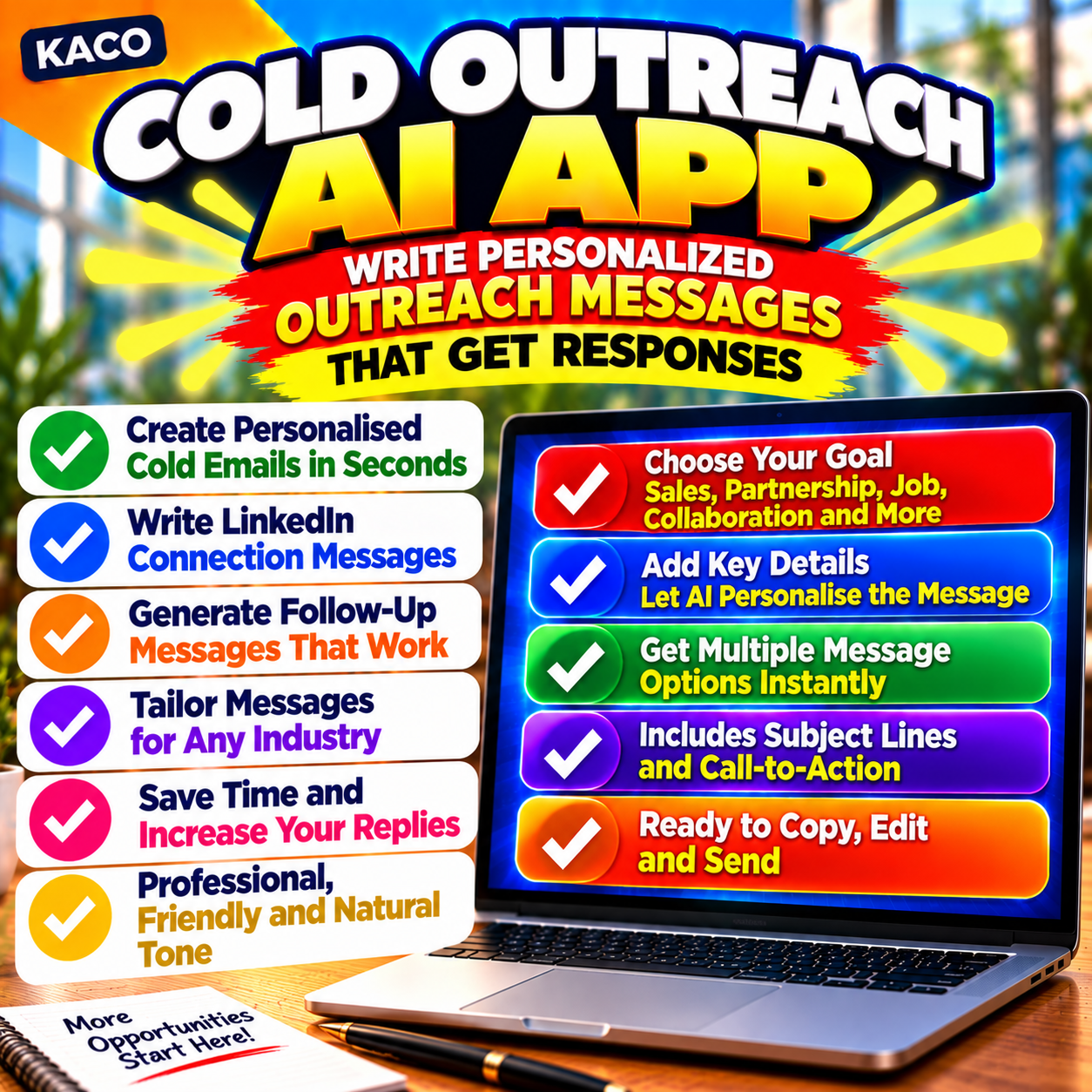
Description
Stop spending 20 minutes researching every prospect just to write one opening line.
Cold outreach lives or dies on personalisation. Generic openers get ignored. Researched, specific messages get replies.
But doing that research manually — reading LinkedIn profiles, scrolling company pages, looking for the right hook — eats your whole morning before you’ve sent a single email.
KACO Cold Outreach AI fixes that.
Paste whatever you know about a prospect — their LinkedIn bio, company About page, a post they made, anything — and the app generates three personalised opening lines or a complete cold email in seconds. Powered by gpt-4o via your own API key, so the output is sharp, not generic.
What You Get
⚡ Two output modes:
- 3 Opening Lines — three short, punchy openers using different angles (curiosity, compliment, shared context). Perfect for LinkedIn DMs and connection requests.
- Full Cold Email — complete email with subject line, personalised opening, value prop, soft CTA, and sign-off. Under 130 words. Ready to paste into Gmail or Outlook.
🤖 Three AI options in one tool:
- OpenAI gpt-4o — live call using your own API key. Fastest and most seamless.
- Open in Claude — one click sends your prompt to claude.ai, ready to run.
- Open in Gemini — one click sends your prompt to Gemini. Great free option.
🔒 Your data stays yours: The tool runs entirely in your browser. Your API key is stored locally — never on our servers. You can safely use it with real client data, sensitive prospect lists, and internal contact databases.
🌑 Light & dark mode — switches with one click and remembers your preference.
📱 Works on any device — desktop, tablet, or mobile. Chrome, Edge, Firefox, Safari.
Who This Is For
- Freelancers and consultants who send cold outreach every week
- Sales reps and SDRs who need personalised messages at volume
- Founders doing their own business development
- Agencies writing outreach on behalf of clients
- Anyone who’s tired of staring at a blank email draft
How It Works
- Download and open the tool in your browser
- Add your OpenAI API key in Settings (or skip it and use Claude / Gemini)
- Paste your prospect’s background info
- Choose Opening Lines or Full Email
- Click Generate — copy and send
What’s Included
- ✅ KACO Cold Outreach AI — the full tool, open in any browser
- ✅ How to Use PDF — quick-start guide, FAQ, and tips for better output
Single licence — personal use. Requires your own OpenAI API key for the live call feature (Claude and Gemini hand-offs are free to use). Internet connection required for AI calls only.





Reviews
There are no reviews yet.