
Description
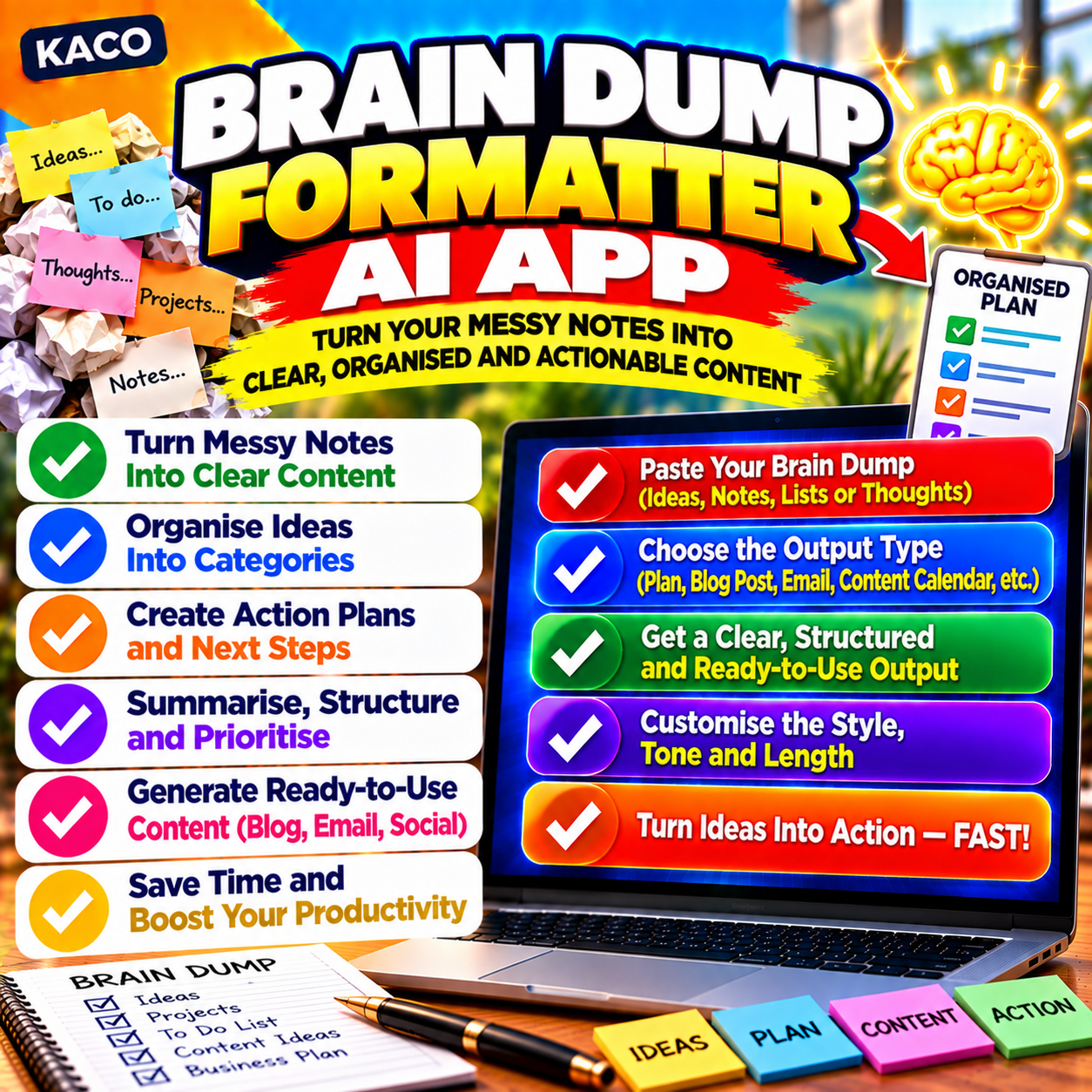
You know the feeling. You have a million thoughts in your head, a voice note that goes in twelve directions, or a rough paste of ideas that would take an hour to clean up. The KACO Brain Dump Formatter turns all of it into something you can actually send.
Paste your raw text or record your voice directly in the browser. Pick your output and your tone. Hit Format It. In seconds you get a polished professional email complete with a subject line, or a structured project brief with four clean sections ready to share with a client or team.
What You Get
- One AI tool that runs entirely in your browser – no installation, no account, no setup
- Type or paste raw text, or record your voice with one click
- Live speech transcription – speak and edit before you format
- Two output types: Professional Email (with subject line) or Project Brief (4 sections)
- Three tones: Professional, Friendly, Formal
- Powered by OpenAI gpt-4o with your own API key – no subscription, no middleman
- Copy Prompt button for use with Claude or Gemini instead
- Light and dark theme, remembered between sessions
- Your data never leaves your browser except to go to OpenAI directly
- How to Use PDF guide included
Who It Is For
Professionals who hate typing long emails when they could just talk. Freelancers and consultants who need to brief clients without writing from scratch. Anyone who thinks faster than they type and wants to stop letting rough ideas sit in a notes app forever.
How It Works
- Open the app in your browser – no installation needed
- Add your OpenAI API key in Settings (stored locally, never shared)
- Type, paste, or record your brain dump
- Choose your output type and tone
- Click Format It and copy your polished result
No subscription. No cloud account. No data stored anywhere. Pay once, own it forever.
Licence
Personal and commercial use. One licence per purchaser. Not for resale or redistribution.



Reviews
There are no reviews yet.