
Creating a digital product has never been easier. With modern AI tools, design platforms and online marketplaces, almost anyone can create an ebook, template, course, prompt system, planner or software tool.
But easy creation does not guarantee sales.
Many digital products fail because their creators begin with the product instead of the problem. They spend days designing something attractive without first confirming that anyone genuinely needs it.
A successful digital product begins with a simple question:
What problem can I help a specific group of people solve?
What Is a Digital Product?
A digital product is something customers can purchase, download or access electronically.
Examples include:
- Ebooks and practical guides
- Online courses and workshops
- Templates and worksheets
- Prompt packs and prompt systems
- Digital planners and journals
- Membership resources
- Printable materials
- Checklists and workbooks
- Offline HTML applications
- AI-powered tools
- Business systems and automation kits
Unlike physical products, digital products do not require traditional manufacturing, packaging or shipping. Once created, the same product can usually be delivered to many customers automatically.
However, the strongest advantage is not simply that digital products are inexpensive to distribute. It is that they can package knowledge, experience and practical solutions into something people can use repeatedly.
Step 1: Start With a Real Problem
Do not begin by asking, “What can I create?”
Begin by asking:
- What are people struggling with?
- What task takes them too much time?
- What result do they want but do not know how to achieve?
- What mistakes are they repeatedly making?
- What information is currently confusing them?
- What process could be made easier?
The clearer the problem, the easier it becomes to create and market the solution.
For example, “a business ebook” is too broad.
“A step-by-step guide that helps first-time entrepreneurs validate and launch their first digital product” is much clearer. It identifies the audience, the problem and the desired outcome.
Step 2: Choose a Specific Audience
A product designed for everybody often feels relevant to nobody.
Instead of creating a general social-media planner, you could create:
- A content planner for Christian authors
- A social-media system for local service businesses
- A posting calendar for new coaches
- A promotion planner for digital-product sellers
Specific products are easier to explain because prospective customers can immediately recognise that the product was made for them.
Your audience should be able to read the title and say:
“This is exactly what I need.”
Step 3: Validate the Demand
Before investing significant time in creation, look for evidence that people already want a solution.
You can study:
- Marketplace search results
- Customer reviews
- Questions asked in Facebook groups and online communities
- YouTube comments
- Search-engine suggestions
- Competitors’ frequently asked questions
- Popular books, courses and templates
- Complaints about existing products
The objective is not to copy another creator. It is to understand what customers already buy, what they appreciate and what they still find disappointing.
Look for recurring complaints such as:
- “This was too complicated.”
- “I needed more examples.”
- “It explained the idea but not how to implement it.”
- “I wish it included a template.”
- “This was written for advanced users.”
Those complaints reveal opportunities to create something more practical, complete or accessible.
Step 4: Define One Clear Outcome
Every useful digital product should help the customer achieve a recognisable result.
Do not simply promise information. Promise a practical transformation.
A course should help learners develop a skill.
A template should help users complete a task faster.
A planner should help them organise or track something important.
A business tool should help them make a decision, follow a process or produce an output.
Write this sentence before building your product:
After using this product, the customer will be able to __________.
If you cannot complete that sentence clearly, the product probably needs a sharper focus.
Step 5: Choose the Right Format
The best format depends on the problem being solved.
Use an ebook when the customer needs explanation, guidance or a structured roadmap.
Use a workbook when reflection, planning or written exercises are essential.
Use templates when the customer needs to complete something quickly.
Use a course when the customer needs demonstrations, guided lessons and progressive learning.
Use an application or interactive tool when the customer needs personalised outputs, calculations, automation or repeated assistance.
Sometimes the strongest offer combines several formats. A course could include a workbook, templates and a practical tool that helps learners implement what they have learned.
Step 6: Build the Minimum Complete Solution
Your first version does not need every possible feature. It needs everything necessary to deliver the promised result.
There is an important difference between a minimum product and an incomplete product.
A minimum complete product:
- Solves the main problem
- Provides clear instructions
- Includes the essential resources
- Is easy to navigate
- Produces the promised outcome
Additional features can be introduced after receiving real customer feedback.
Step 7: Make It Easy to Use
Customers do not measure value only by the amount of content. They also measure how easily they can understand and apply it.
Improve the customer experience by including:
- A quick-start guide
- Clear section headings
- Step-by-step instructions
- Practical examples
- Checklists
- Templates
- Action steps
- Troubleshooting guidance
- A clear explanation of what to do next
A smaller product that creates action can be more valuable than a massive bundle that leaves the customer overwhelmed.
Step 8: Package and Position the Product
Presentation influences how customers understand value.
Your product needs:
- A clear name
- A strong benefit-focused headline
- An attractive cover or product mock-up
- A description of the problem it solves
- A clear explanation of who it is for
- A list of what is included
- An explanation of the expected outcome
- A simple call to action
Do not rely on exaggerated promises. Clearly demonstrate why the product is useful and what makes your approach different.
Step 9: Test Before You Scale
Invite a small number of people from your target audience to use the product.
Ask them:
- Was the product easy to understand?
- Where did you become confused?
- What did you find most valuable?
- What was missing?
- Could you achieve the promised result?
- Would you recommend it to someone else?
Use their feedback to strengthen the product before investing heavily in advertising.
Turn Your Idea Into a Valuable Product
Digital-product creation is not about producing more files. It is about transforming a useful idea into a practical solution that people can understand, use and benefit from.
Start with a proven problem. Choose a specific audience. Define one clear outcome. Build the right solution and package it professionally.
That is how an idea becomes more than information.
It becomes a product with genuine value.
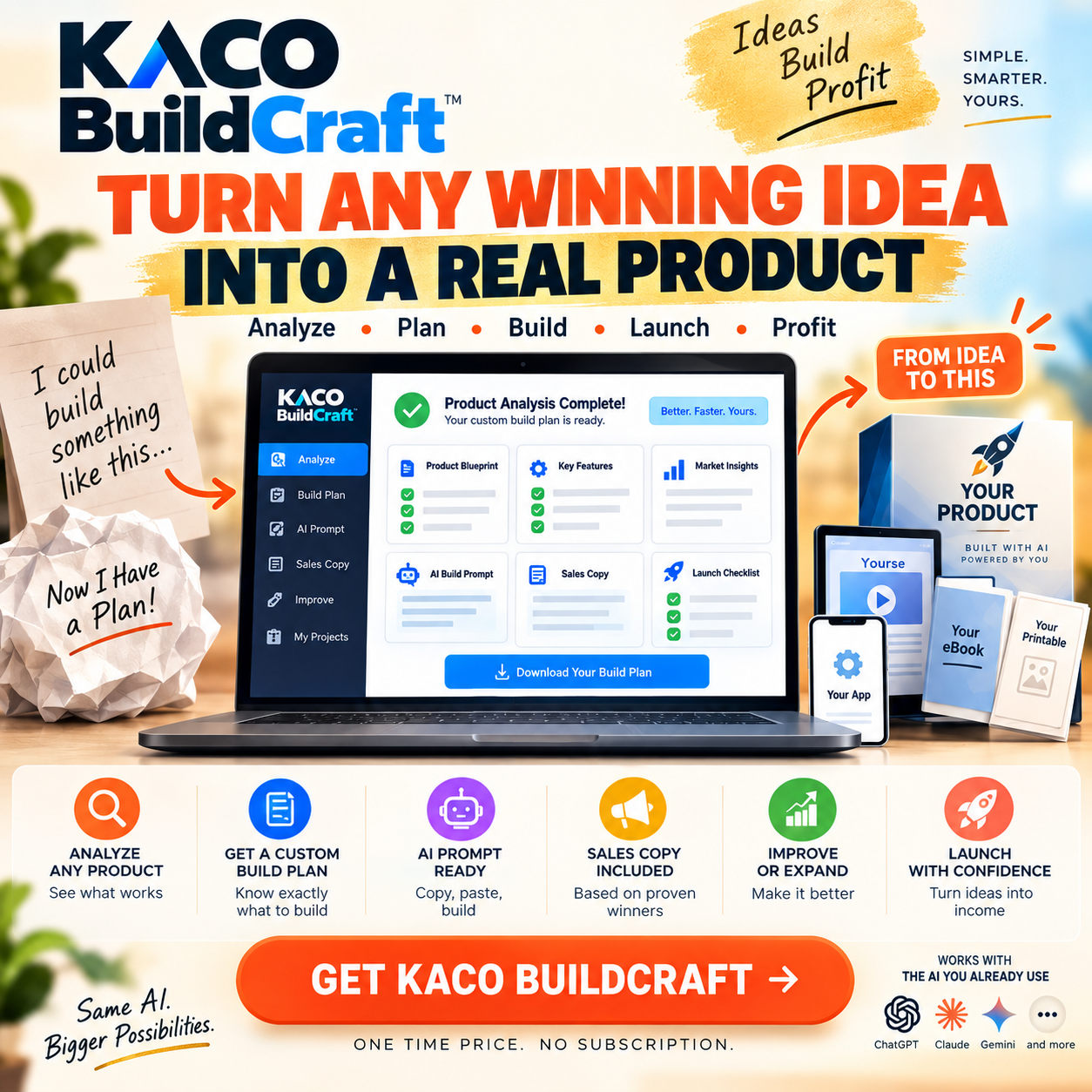
Coming next: KACO BuildCraft™ will provide a guided system for turning a promising idea into a complete, market-ready digital product.
Leave a Reply