
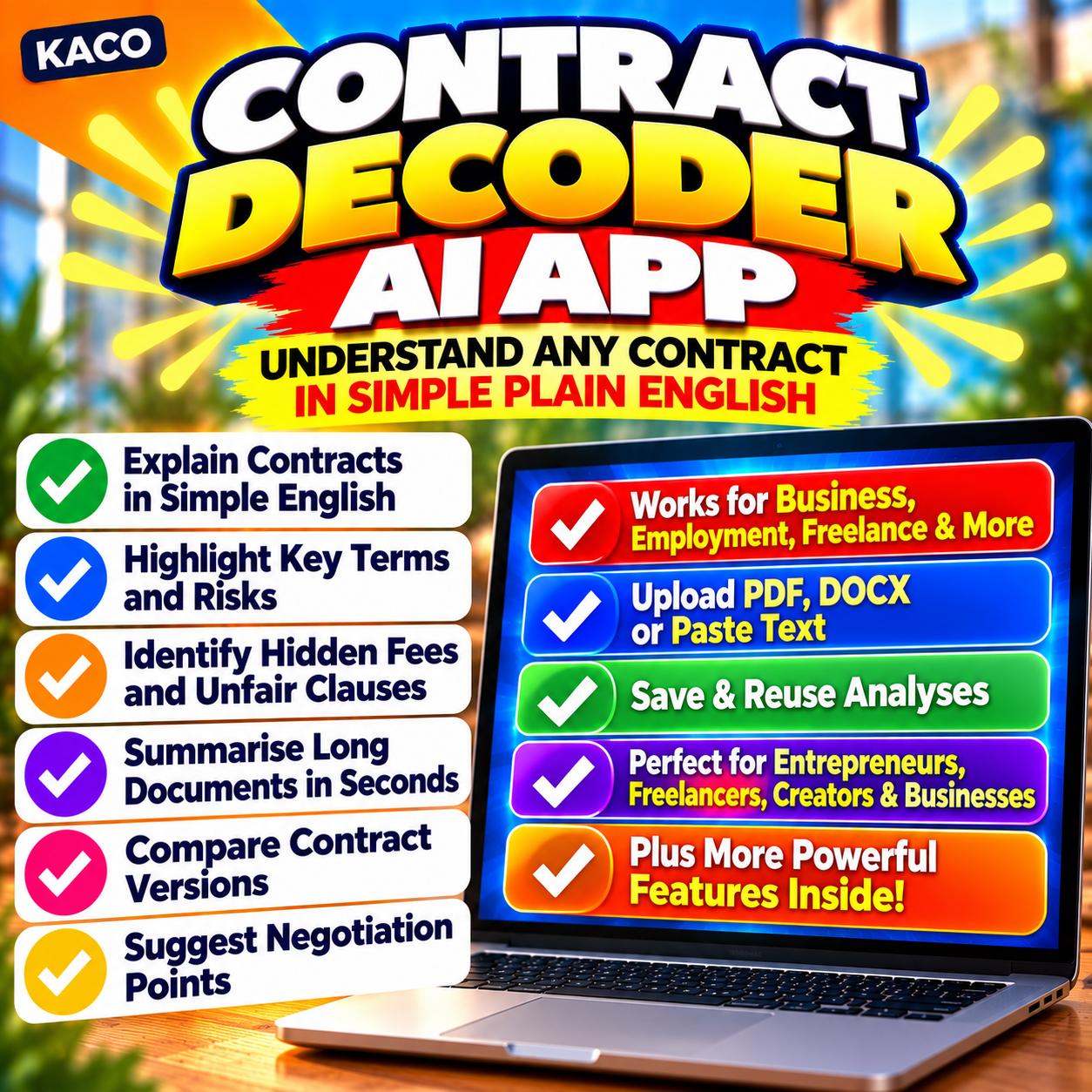
Description
Most people sign contracts they don’t fully understand. Don’t be most people.
You’ve been sent a contract. It’s dense legal language, written by someone whose job was to protect their client — not you. You don’t want to look foolish asking basic questions. You can’t afford to pay a solicitor to read the whole thing. So you skim it, hope for the best, and sign.
That’s how people end up locked into unfair terms, surprise clauses, and obligations they never agreed to out loud.
KACO Contract Decoder AI gives you the clarity to go into any agreement with your eyes open.
Paste any section — a single clause, a specific paragraph, or the whole document — and get back a clear, jargon-free explanation of what it actually means. What you’re agreeing to. What’s unusual. What questions you should be asking before you put your name on anything.
Who This Is For
- Freelancers reviewing client service agreements and NDAs
- Tenants trying to understand what their landlord can and can’t do
- Small business owners negotiating supplier or licensing deals
- Employees handed a new contract with terms they’re not sure about
- Anyone who’s ever signed something and later thought “I didn’t realise it said that”
What You Walk Away With
Confidence. You’ll know what you’re agreeing to, what the risks are, and exactly what to raise with a solicitor or the other party before you commit.
Choose your analysis: a plain-English summary of the whole thing, a red flags report on unusual or one-sided clauses, a clear list of your obligations, or a set of smart, specific questions to ask before signing. Or run all four at once for a full review.
How It Works
- Download and open the app in your browser
- Add your OpenAI API key in Settings (or skip it and use Claude / Gemini)
- Paste your contract text — a clause, a section, or the full document
- Add context if helpful (e.g. your role, the type of contract)
- Choose your analysis type and click Decode — your plain-English breakdown appears in seconds
What’s Included
- ✅ KACO Contract Decoder AI — the full app, open in any browser
- ✅ How to Use PDF — quick-start guide, FAQ, and tips for better results
Single licence — personal use. Not legal advice — always consult a qualified solicitor before signing any legally binding document. Claude and Gemini hand-offs are free to use. OpenAI API key required for the built-in live call feature only.




Reviews
There are no reviews yet.